
The decision this helps you make
Two URLs may show similar content for several reasons: an old address, tracking parameters, a duplicate template or a deliberate alternate view. The right response depends on what the URLs are supposed to do. This decision sheet helps a business organize those facts before a technical change. It does not tell you to redirect every low-traffic page or place canonical tags on unrelated content. Use it to describe the intended visitor behavior and then review the appropriate implementation.
Separate the user-navigation decision from the search canonicalization decision. Google’s documentation explains canonical signals, including redirects and canonical link annotations. A redirect moves a visitor; a canonical annotation identifies a preferred representative for duplicate or similar content without being the same navigation action. The worksheet records intent, page similarity and other signals so those choices can be reviewed coherently.
A URL cleanup decision starts with what each address should do for a visitor, then aligns the technical signals.
The working model
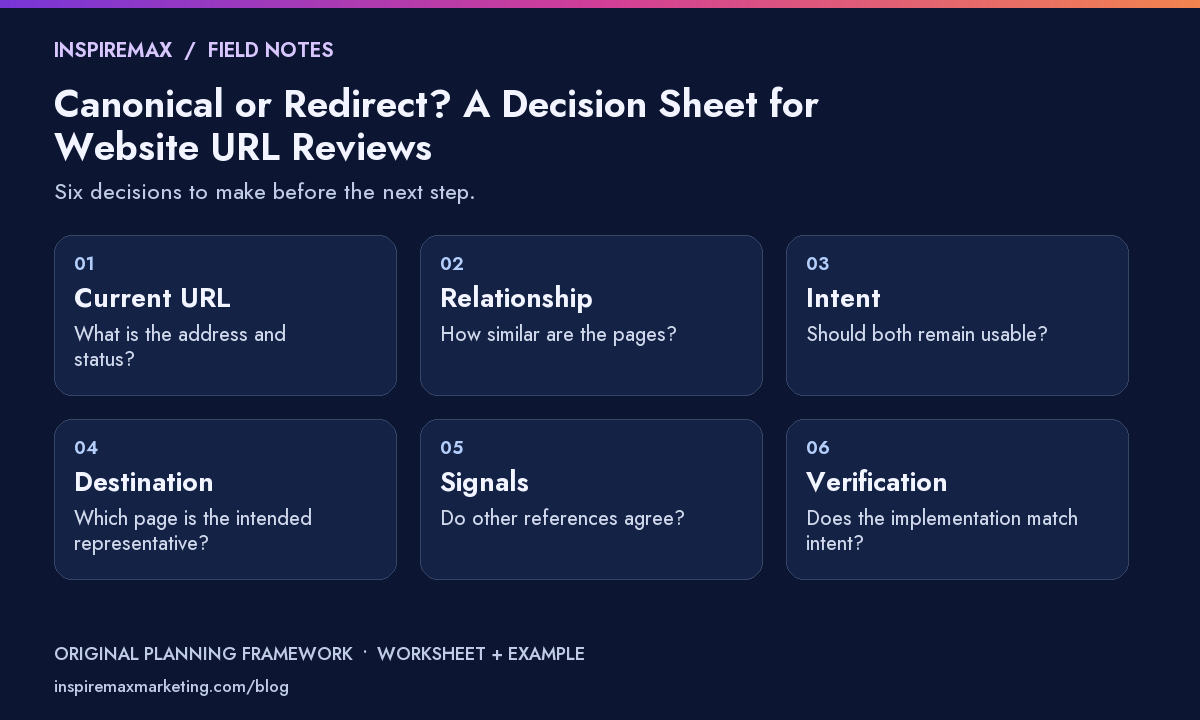
Six decisions to record
Use the questions below with the actual project information. The examples are illustrative, not client results. Download the CSV to record your answers, supporting information, decision owner and status.
| Decision | Question to resolve | Illustrative example |
|---|---|---|
| Current URL | What is the address and status? | Record actual response behavior |
| Relationship | How similar are the pages? | Compare meaningful content and purpose |
| Intent | Should both remain usable? | A business and technical decision |
| Destination | Which page is the intended representative? | Use a relevant, accessible target |
| Signals | Do other references agree? | Review canonicals, internal links and sitemap |
| Verification | Does the implementation match intent? | Test behavior and check for chains or loops |
Step 01
Describe why both URLs exist
Identify whether one address is obsolete, both are intentionally usable or a technical system generates variants. Record current status and content. Do not choose a treatment before understanding the difference between the pages and the reason for retaining either address.
Step 02
Choose the intended destination and behavior
Ask what should happen when someone follows either URL. If an old address should be replaced, identify the relevant destination. If an alternate page remains necessary, discuss appropriate canonicalization with the developer rather than treating an annotation as a universal cleanup switch.
Step 03
Check the surrounding signals
Review internal links, sitemap entries and the final destination alongside the implementation. Test chains, loops and content relevance. Keep a record of the decision so a later template change does not reintroduce a contradictory signal.
Apply the method
A worked example
Illustrative example: a service has moved to a new address and the old URL remains in an external brochure. The visitor needs a useful route to the replacement, so the team should review a redirect rather than only adding a canonical annotation to the old page. In another situation, a technical variant may still need to remain usable. Record the difference, inspect the relevant Google guidance and validate the actual result instead of applying the same rule to both cases.
Before you call it complete
- Is the relationship between the URLs understood?
- Is the intended visitor behavior stated?
- Is the destination relevant?
- Are supporting signals coherent?
- Has the live implementation been tested?
Reference and attribution
This is an original InspireMax editorial framework, with a primary reference for the related guidance: Google Search Central: canonical URL signals ↗. The worksheet and examples are planning aids, not measured performance benchmarks.
Cite this resource
InspireMax Marketing. “Canonical or Redirect? A Decision Sheet for Website URL Reviews.” November 13, 2026. https://inspiremaxmarketing.com/blog/canonical-or-redirect-decision-sheet/
Found something that needs correction? Tell us which resource and detail to review.
Put the plan to work
Planning a project in Greater Milwaukee?
InspireMax brings strategy, design and production together. Tell us what you are trying to accomplish, what you already have and the timing you are considering. We will discuss the scope and practical next steps.

