The decision this helps you make
An event has a schedule, but a schedule alone is not a filming plan. Some moments happen once, some require access and some matter mainly because of how the finished video will be used. This must-capture sheet connects those priorities before the event begins. It is useful for conferences, business gatherings and other planned coverage. The template does not promise every moment can be captured; it helps the organizer and production team discuss conflicts and limitations early.
Separate essential moments from optional atmosphere and give each essential moment an owner, time and access note. A practical plan also includes audio, participant coordination and the intended deliverables. W3C’s media-planning guidance is relevant when accessibility needs affect the finished program. Our sheet adds production coordination details so those decisions can be discussed before the crew has to choose between simultaneous activities.
The most important event-video decisions often happen before two unrepeatable moments compete for the same camera.
The working model
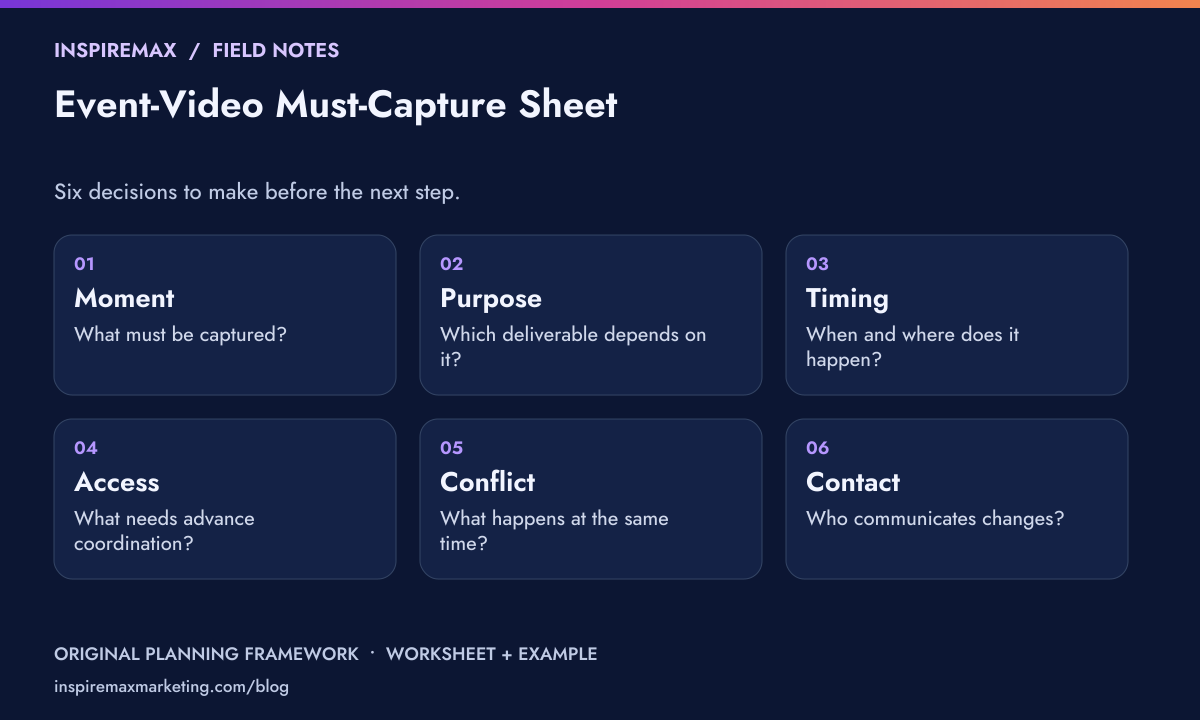
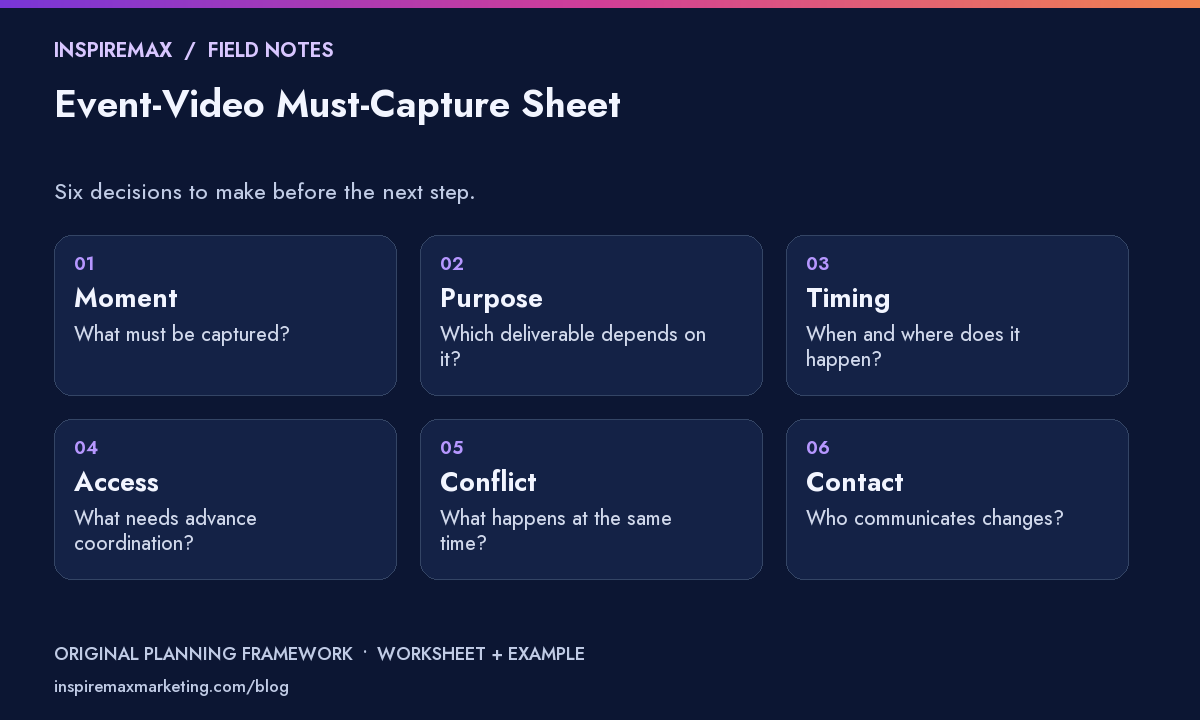
Six decisions to record
Use the questions below with the actual project information. The examples are illustrative, not client results. Download the CSV to record your answers, supporting information, decision owner and status.
| Decision | Question to resolve | Illustrative example |
|---|---|---|
| Moment | What must be captured? | An opening, demonstration, presentation or agreed interaction |
| Purpose | Which deliverable depends on it? | Main recap, full session or a planned excerpt |
| Timing | When and where does it happen? | Use the current run of show |
| Access | What needs advance coordination? | Position, participant contact or audio connection |
| Conflict | What happens at the same time? | Identify competing locations or activities |
| Contact | Who communicates changes? | A named organizer available during the event |
Step 01
Identify the finished story
Decide whether the main purpose is a recap, a recorded presentation, promotional excerpts or something else. Those are different coverage requirements. A recap plan should not silently become a promise to record every session in full.
Step 02
Mark non-repeatable dependencies
List start times, location changes, important participants and any audio connection or access arrangement. Identify activities that overlap. The team can then discuss priorities and staffing rather than discovering the conflict during the event.
Step 03
Create a communication path
Name the person who can provide schedule changes and the person who can resolve access questions. Give the production team the current run of show. Keep a version date on the plan so an outdated attachment does not become the working schedule.
Apply the method
A worked example
Illustrative example: an organizer wants a short recap and a complete keynote recording. The keynote needs continuous coverage and an audio plan; the recap may require activity elsewhere during the same period. Putting both requirements on the sheet reveals a real coverage decision. Discuss it before agreeing the production approach. If the schedule moves, update the affected capture items and notify the designated contact rather than assuming everyone saw the latest email.
Before you call it complete
- Are deliverables distinguished clearly?
- Are one-time moments prioritized?
- Are overlapping activities visible?
- Have audio and access arrangements been discussed?
- Does one contact own live schedule communication?
Reference and attribution
This is an original InspireMax editorial framework, with a primary reference for the related guidance: W3C WAI: planning audio and video ↗. The worksheet and examples are planning aids, not measured performance benchmarks.
Cite this resource
InspireMax Marketing. “The Event-Video Must-Capture Sheet: Plan for Moments You Cannot Repeat.” November 8, 2026. https://inspiremaxmarketing.com/blog/event-video-must-capture-sheet/
Found something that needs correction? Tell us which resource and detail to review.
Put the plan to work
Planning a project in Greater Milwaukee?
InspireMax brings strategy, design and production together. Tell us what you are trying to accomplish, what you already have and the timing you are considering. We will discuss the scope and practical next steps.