The decision this helps you make
A caption file can exist and still be difficult to use. Names may be wrong, timing may drift or a caption can obscure an important visual detail. This checklist is for a business reviewing captions alongside a finished video. It helps organize editorial and delivery checks without claiming that one pass proves accessibility. Use it before the final version is distributed, and keep the caption file associated with the correct video rather than treating it as an anonymous attachment.
Review captions as part of the viewing experience. W3C explains that captions convey speech and relevant non-speech audio, not merely a transcript pasted over a picture. Our worksheet separates accuracy, readability, synchronization and the actual destination. Human review remains important, especially for company names, specialized language and audio that an automatic process may misinterpret.
A caption review is complete only when the correct words, timing and video version work together at the destination.
The working model
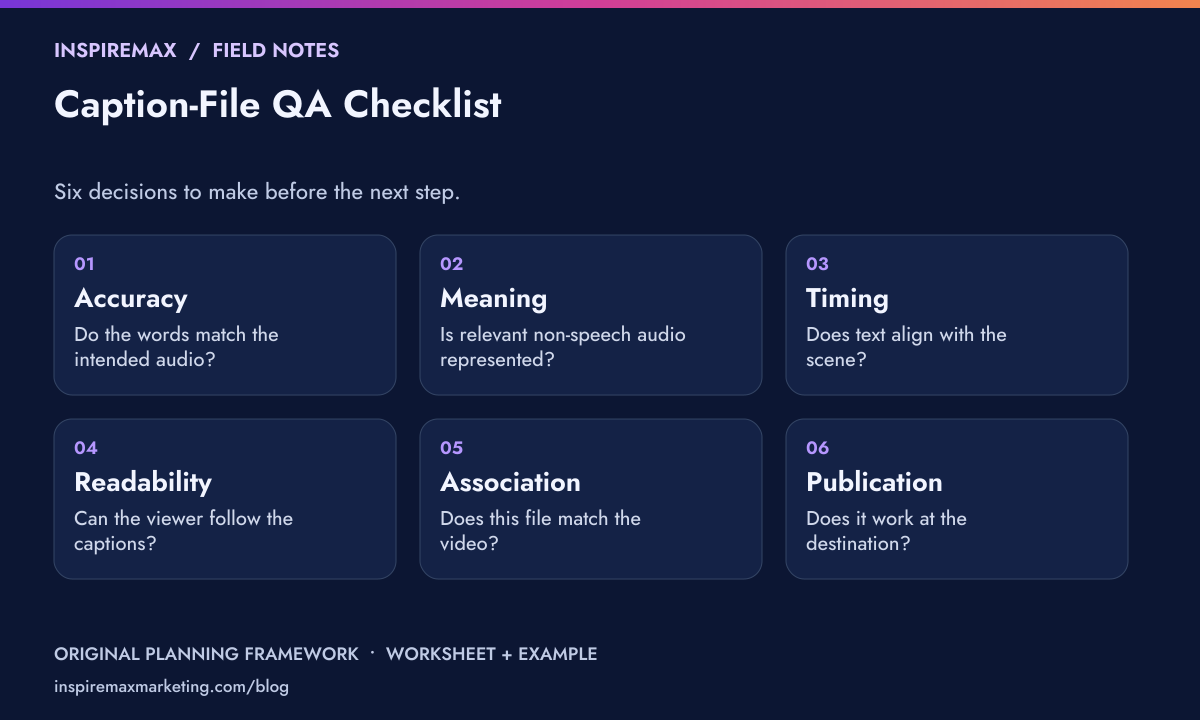
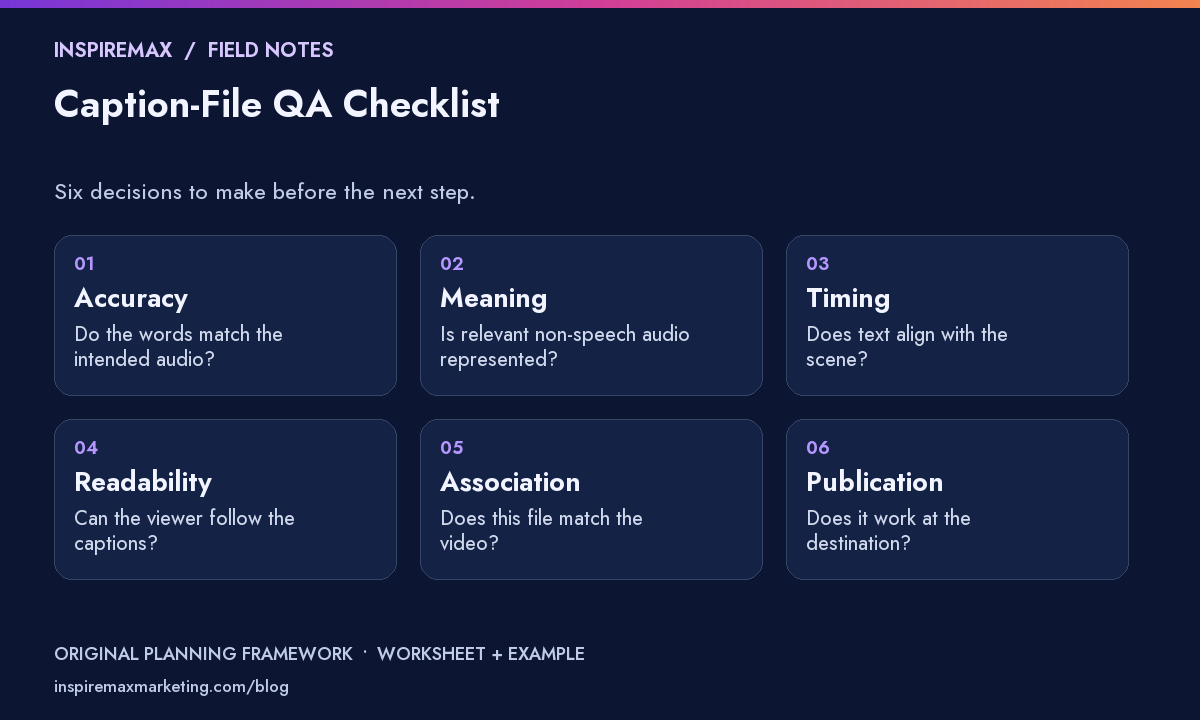
Six decisions to record
Use the questions below with the actual project information. The examples are illustrative, not client results. Download the CSV to record your answers, supporting information, decision owner and status.
| Decision | Question to resolve | Illustrative example |
|---|---|---|
| Accuracy | Do the words match the intended audio? | Verify names and specialized terms |
| Meaning | Is relevant non-speech audio represented? | Review sound that affects understanding |
| Timing | Does text align with the scene? | Check the beginning, transitions and ending |
| Readability | Can the viewer follow the captions? | Review real display and player behavior |
| Association | Does this file match the video? | Use a shared project and version identifier |
| Publication | Does it work at the destination? | Test the actual player and selected language |
Step 01
Check the words against the audio
Review names, numbers, technical terms and meaningful changes in speaker. Preserve what was said rather than rewriting it into a different claim. If the audio itself is unclear, raise the issue with the editor instead of guessing a confident answer.
Step 02
Watch captions with the picture
Check whether text appears at the appropriate time and remains readable in context. Pay attention to important on-screen details and other graphics. A caption that looks acceptable in an editing window may behave differently in the intended player.
Step 03
Verify the final file and version
Open the delivered file in the actual publishing workflow. Confirm language, encoding, synchronization and which video version it belongs to. If the edit changes after approval, review the captions again rather than assuming the old file still matches.
Apply the method
A worked example
Illustrative example: a final interview edit removes a sentence near the beginning. The previously approved caption file may now be out of sync even though its wording remains accurate. Give the new export a clear version identifier and retest the paired caption file. During review, record timecodes for specific problems instead of sending “captions are wrong” as general feedback. That makes correction and verification more reliable for everyone involved.
Before you call it complete
- Have names and technical terms been checked?
- Is relevant audio meaning represented?
- Has timing been watched rather than assumed?
- Does the file match the final edit?
- Has the publishing destination been tested?
Reference and attribution
This is an original InspireMax editorial framework, with a primary reference for the related guidance: W3C WAI: captions and subtitles ↗. The worksheet and examples are planning aids, not measured performance benchmarks.
Cite this resource
InspireMax Marketing. “The Caption-File QA Checklist: Review Meaning, Timing and Delivery.” November 10, 2026. https://inspiremaxmarketing.com/blog/caption-file-qa-checklist/
Found something that needs correction? Tell us which resource and detail to review.
Put the plan to work
Planning a project in Greater Milwaukee?
InspireMax brings strategy, design and production together. Tell us what you are trying to accomplish, what you already have and the timing you are considering. We will discuss the scope and practical next steps.